

Turn anything into an engaging explainer video
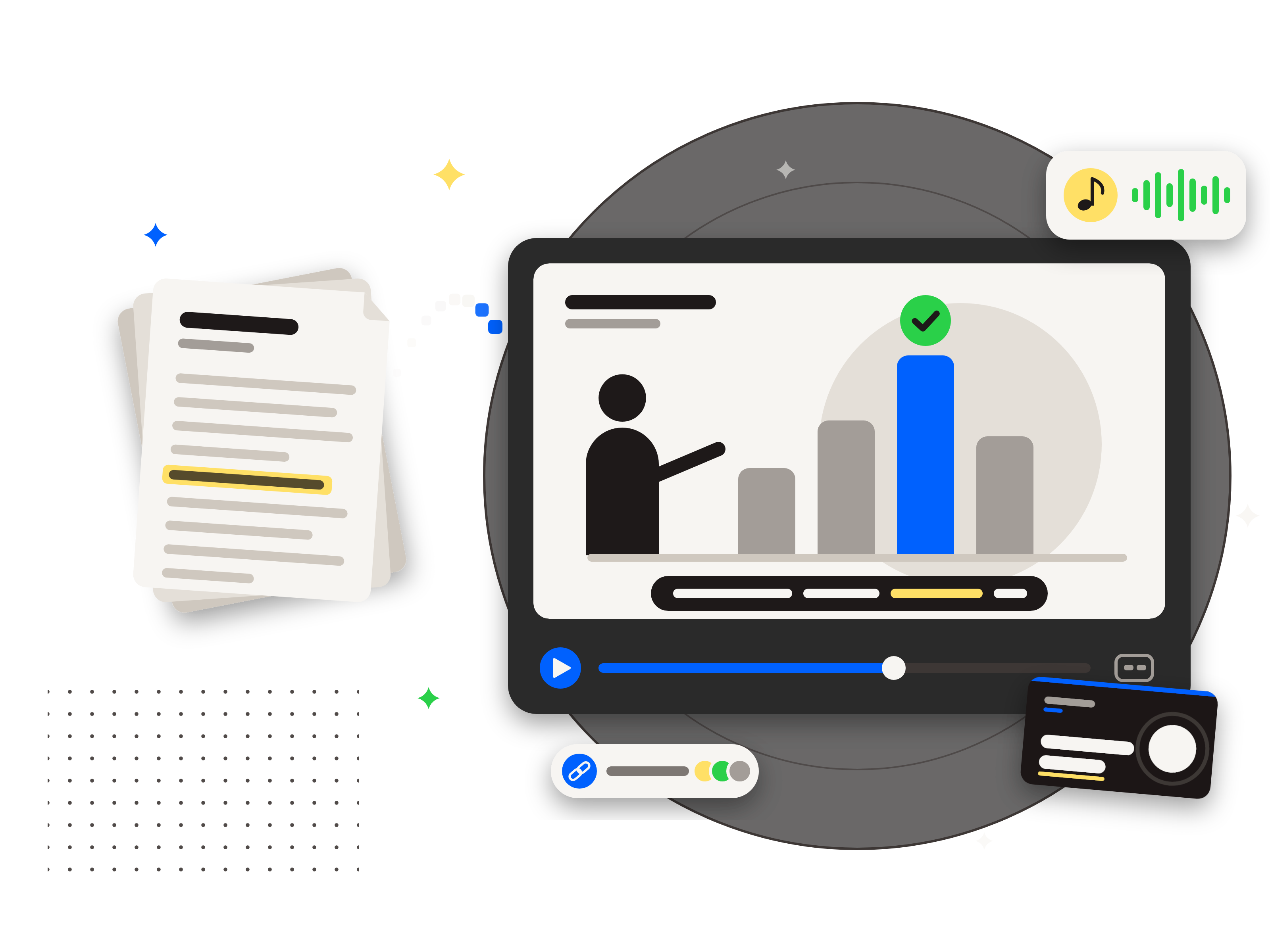
Start with a topic, pasted text, a document or a finished script. LearnBetter writes and fact-checks the script, narrates it, designs the scenes and delivers a finished widescreen video with a thumbnail and captions.
Pay only for the minutes used. One-time packs, no subscription.
Hours saved. Nothing sacrificed.
Delivered in the time it takes to finish your next meeting.
The problem
Important information is written down, but written down is not the same as understood.

Long documents go unread
Handbooks, policies and procedures run to dozens of pages. Most people skim them once, if at all, and the important details get missed.
Video takes days and specialists
A short explainer usually means writing a script, recording a voice, designing scenes and editing, often through an agency or a production team.
Updates mean starting over
When a policy or process changes, the old video is out of date and the whole production has to be paid for again.
LearnBetter turns the material already on hand into a narrated, fact-checked explainer video the same day, for a few dollars a minute, and a changed policy is a new video, not a new production.
How it works
Start from what already exists
A topic in a sentence or two, pasted text, a web page, a Word, PDF or text document, a video or audio recording, or a finished script.
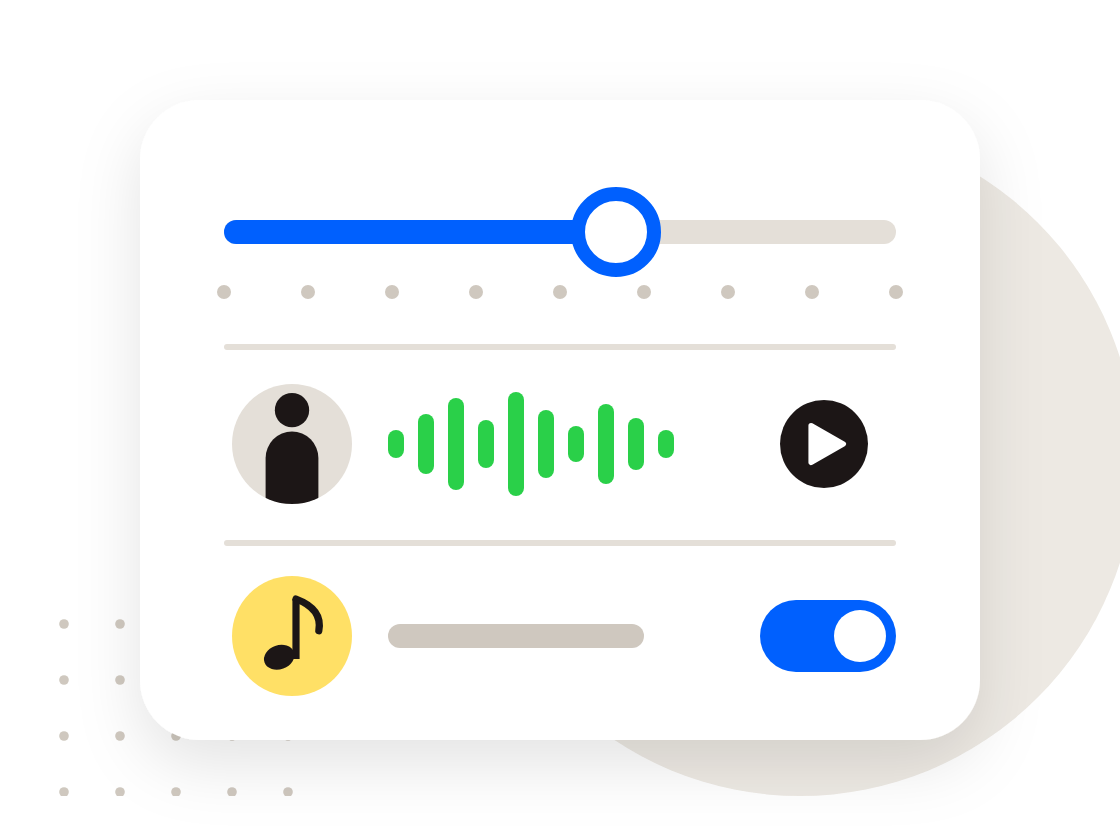
Choose the length, style, voice and music
Anywhere from 2 to 10 minutes, a visual style with a sample clip to preview, a narrator with a sample to hear first, background music or none, and optional notes on audience and tone.
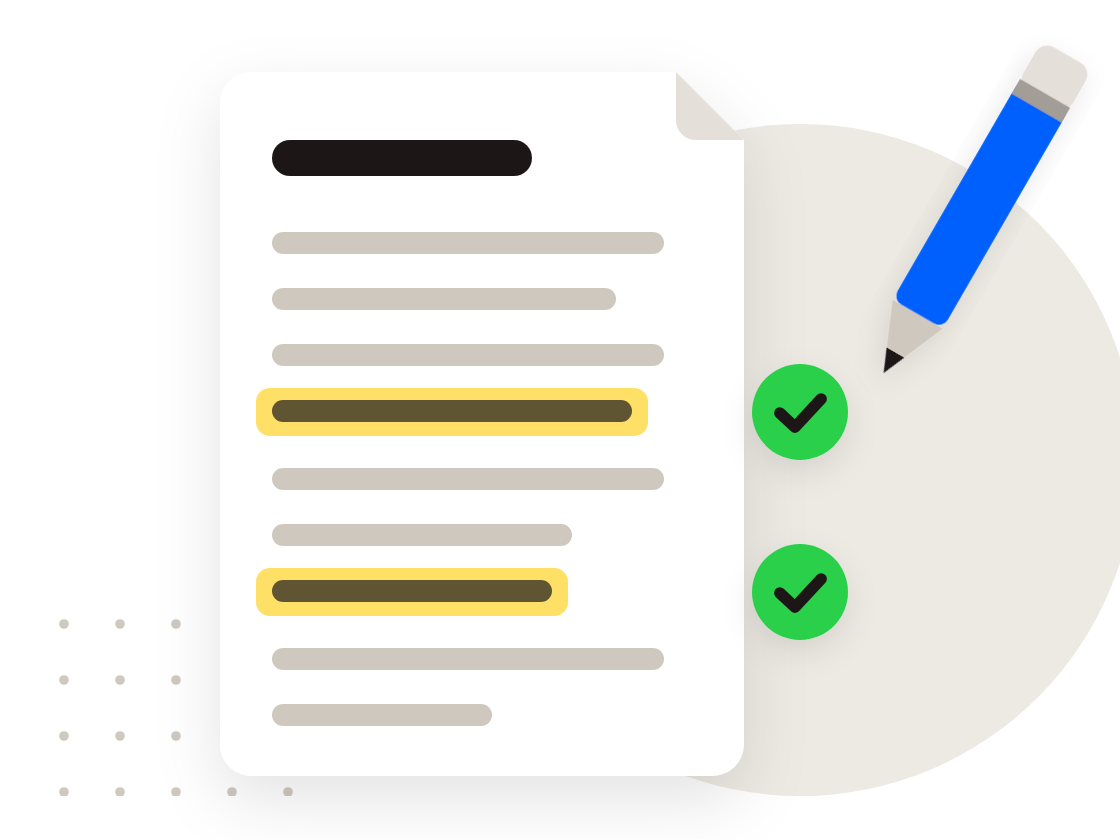
Review the script
A script is written to the chosen length, with every figure, date and name checked against a source. Edit any wording, and fix how names and acronyms are said.
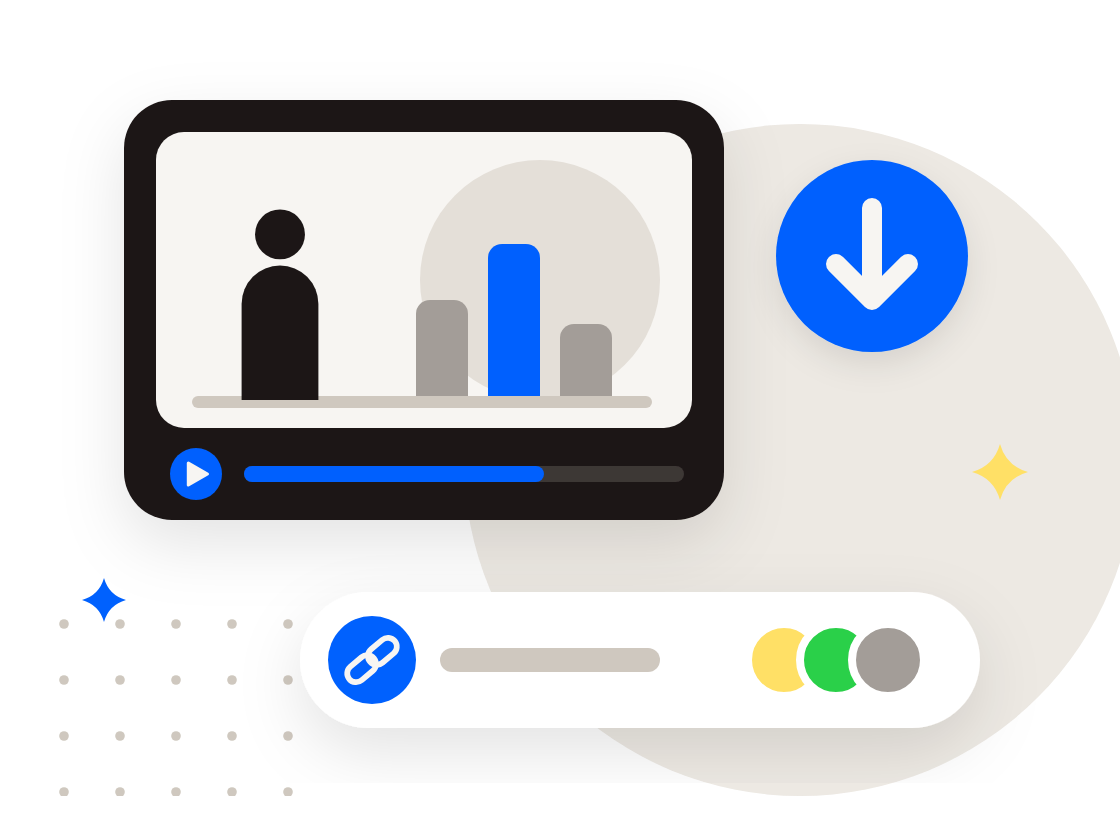
Download and share
The finished video arrives with a thumbnail, captions and the script, usually 20 to 90 minutes after confirming, depending on length. Download it, or send a share link that works without an account. A word said wrong or a scene to change is fixed with a quick revision.
See it in action
Who it's for
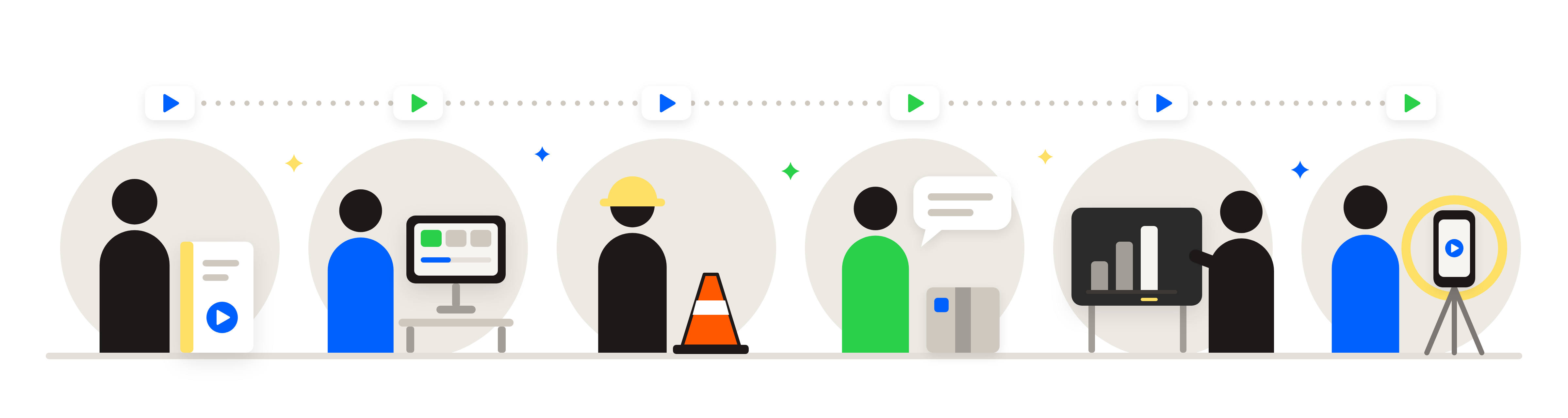
Anyone who has to explain something clearly, again and again.
HR and People teams
Turn a dry employee handbook into short policy explainers on time off, leave, conduct or benefits enrollment, each a few minutes long.
Learning and development
Build onboarding modules, compliance refreshers and microlearning from existing material, ready for a learning platform.
Safety and operations
Explain procedures, equipment basics and safety reminders in a few minutes, for crews, shift teams and new hires.
Sales and customer teams
Walk customers through a product, a process or a service change without booking a call for each one.
Teachers and trainers
Introduce a lesson topic, review for a test or flip a classroom with clear, captioned videos.
Creators and small businesses
Publish explainers for a channel or website, with the thumbnail and captions already made.
Example: an employee handbook
- Upload the handbook, or paste one section such as the paid time off policy.
- Choose 3 minutes and add special instructions, for example "for new hourly employees, friendly tone, focus on how to request time off".
- Review the script, correct any wording, and confirm production.
- Post the finished video on the intranet or learning platform, with captions, and repeat for each policy.
Every video includes
- 1080p widescreen MP4, 2 to 10 minutes
- Natural narration in a choice of voices
- Designed scenes that follow the narration
- Background music, or none
- Captions file (WebVTT) and a thumbnail
- The script, plus the sources behind its facts
- A share link that plays without an account
- A pronunciation dictionary for names and acronyms
- Revisions for words, scenes or the script, together or one at a time
Three styles to choose from.
Choose a style that suits your content.
Bold
Bold graphics with a fresh color palette designed for each topic, or built from brand colors named in the special instructions.
Minimal
Clean charcoal with blue, yellow and green accents, creating the same polished look in every video
Classic
Textbook-style figures with ink line drawings, hatching and one accent color
Made with LearnBetter
Recent videos shared by the community.
Pricing
Buy minutes in a one-time pack and use them for any video. No subscription, no monthly fee.
- Each video is charged by its finished length, rounded up to the next whole minute, with a 2 minute minimum and never more than the length chosen.
- Writing the script uses 1 of those minutes when it is requested, so a script that never becomes a video costs 1 minute. Editing a script is free.
- Revising a finished video uses a share of its minutes, rounded up to whole minutes: 15% to fix a pronunciation, 30% to fix a visual, and 25% or more to edit the script, depending on how much changes. Several fixes in one revision cost less than making them one at a time.
- Unused minutes carry over from month to month, with no inactivity fee.
- Buy 5, earn bonus minutes: the fifth purchase of the same pack adds bonus minutes automatically, with no sign-up and no time limit.
- Savings compare each pack's price per minute with the 5 minute pack. Payment is handled by Stripe.
Questions and answers
How are minutes charged?
Each video is charged by its finished length, rounded up to the next whole minute, with a 2 minute minimum, and never more than the length chosen.
Writing the script uses 1 minute right away, and that minute counts toward the video, so the total stays the same. It comes back if the script fails or is cancelled, and is kept if the video is never made. Editing the script is free.
The rest is held when production is confirmed, and any minutes not used come back when the video is delivered. A new video needs at least 2 minutes in the balance to start. The Minutes tab under Activity shows the full history.
Revising a finished video uses a share of these minutes, rounded up to whole minutes; see "How much does a revision cost?".
How do bonus minutes work?
Buy 5, earn bonus minutes. Every purchase of a 15, 40 or 100 minute pack counts toward that pack, and the fifth purchase of the same pack adds bonus minutes automatically: 5 for the 15 minute pack, 10 for the 40 minute pack and 25 for the 100 minute pack. The count then starts again toward the next bonus.
- There is nothing to sign up for, no time limit, and no need to use the minutes first.
- Each pack size keeps its own count, so switching sizes never loses progress.
- Bonus minutes are used before purchased minutes and carry over like every other minute.
- Up to 60 bonus minutes can be held at once. A bonus that would go past 60 adds only what fits.
- The 5 minute pack does not count toward a bonus.
The Rewards tab under Activity shows the progress on each pack.
What happens to unused minutes?
Unused minutes carry over from month to month, with no inactivity fee. Bonus minutes are used first, then the oldest minutes.
How long does a video take?
Most videos take between about 20 minutes and an hour and a half, depending on the length chosen. The progress page shows an estimate and updates on its own, and an email arrives when the video is ready, so there is no need to keep the page open.
How long are finished videos kept?
Finished videos are kept for 60 days after delivery, with a reminder before they are removed. The video, thumbnail, captions and script can all be downloaded from the video's page.
A revised video replaces the earlier one and keeps the same date; revising does not restart the 60 days. The working files a video is made from (its script, narration and scene designs) are kept for 18 months from the first delivery, so a video can still be revised, and made again with the change, after its files have expired.
Are the facts in a video checked?
Yes. Every specific figure, date or name in a script written by LearnBetter is checked against a source found on the web, and the sources are listed on the finished video. Videos made from a finished script are narrated as written and are not fact-checked.
Can a finished video be changed?
Yes, with Revise this video on the video's page. Tick one or more of three kinds of change, and they are all made in one revision:
- Fix a pronunciation: name the words the narrator said wrong and how they should sound. The narration is recorded again; the scenes stay as they are.
- Fix a visual: pause the video where something on screen needs changing and describe the change. Only those scenes are redesigned.
- Edit the script: change the wording. Only the changed paragraphs are redesigned, and new or changed facts are checked again.
A revision uses a share of the minutes the video costs to make, depending on what it changes (see "How much does a revision cost?"). The revised video replaces the earlier one once it is ready, so download anything worth keeping first. If a revision does not pass every check, the video stays as it was and the minutes come back.
A script edit can change up to 40% of the script and keeps the video's length; bigger changes, or a different subject, are a new video. There is no limit on how many times a video can be revised.
How much does a revision cost?
A revision redoes only the part of the video it changes, so it uses a share of the minutes the video costs to make at its length:
- Fix a pronunciation: 15%.
- Fix a visual (any number of moments, and any image changes): 30%.
- Edit the script: 25%, plus up to 75% more depending on how much of the script changes. Changing 10% of the script adds 7.5%.
When several are ticked in one revision, the video is made again only once, so the most expensive part is charged in full and each other part adds a smaller share: 5% for a pronunciation fix, 15% for a visual fix, and 10% plus the change share for a script edit.
The total is rounded up to the next whole minute, with a 1 minute minimum. For a 5 minute video, a pronunciation fix uses 1 minute, a visual fix 2 minutes, and both together 2 minutes. The exact amount shows before confirming.
The minutes are held while the revision is made and charged when it is ready. If it does not pass every check, the video stays as it was and every held minute comes back. Revisions use minutes whatever the reason for the change, since part of the video is made again either way.
How do I get help?
Email support@learnbetter.now with the video's title or the purchase reference, and the team will reply as soon as possible.
Is there a subscription or a free plan?
No. Minutes are bought in one-time packs, with no subscription, no monthly fee and no free plan. Unused minutes carry over from month to month, with no inactivity fee.
What can a video be made from?
Six starting points:
- A topic, described in a sentence or two.
- Pasted text, such as a policy, an article or meeting notes.
- A web page: the address of a public page, such as an article or a help page. Its main text is read and shown to check before continuing. Pages behind a sign-in cannot be read, and YouTube and other video links are not accepted.
- A file: Word (DOCX), PDF or plain text, up to 20 MB. Scanned images of pages cannot be read.
- A video or audio recording, such as a training session or a talk: MP4, MOV, WebM, MP3, M4A or WAV, up to 500 MB and 30 minutes of speech. The speech is turned into text, and a new video is made from it. The recording must be the account's own, or used with permission.
- A finished script, narrated word for word.
Any of them can also have up to 10 images or screenshots, shown where the narration covers them; see "Can I add my own images or screenshots?".
Can I add my own images or screenshots?
Yes. Any new video can have up to 10 images or screenshots: PNG, JPEG or WebP, up to 10 MB each. Add them on the options step, or on the script step before production starts, and they cost nothing extra.
Each image is shown in the video where the narration covers it. It may be cropped or zoomed to the part that matters, and marked with boxes, circles or arrows to point things out. A short note on each image (for example "the Submit button at the bottom right") says what to point out.
Every image is checked before it is used. A password, a full card or account number, or an ID number in an image is covered with a solid dark box before the image is kept, and the page says so; if a detail cannot be covered completely, the image is refused so it can be covered first. Images are deleted with the video.
On a finished video, images can be added or taken out with Revise this video, as part of a visual fix.
What comes with each video?
A 1080p widescreen MP4 video, a thumbnail image, a captions file (WebVTT), the script, and, for scripts written by LearnBetter, a list of the sources used to check its facts. The MP4 plays in any browser and on phones, and can be uploaded to a learning platform, an intranet or a video site.
Can people without an account watch a video?
Yes. Each finished video has a share link that plays in any browser, with no account needed. The link can be turned off at any time from the video's page.
What voices and languages are available?
A choice of English voices, American and British, female and male, each with a sample to listen to before choosing. Videos are made in English.
More in Help.
Make anything make sense
Turn the next policy, procedure or lesson into a video worth watching.